Private things stay private.
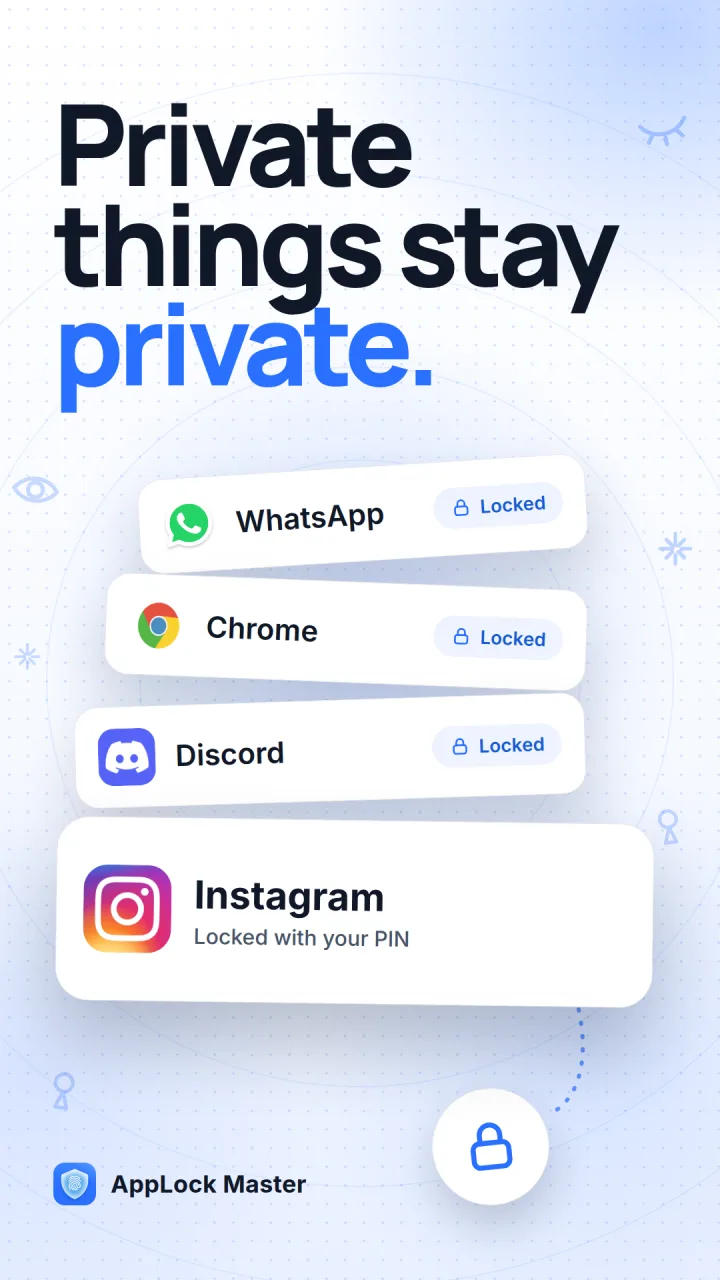
AppLock Master puts a PIN, a pattern or your fingerprint in front of the apps you choose — your chats, your gallery, your banking app. It also keeps a history of your notifications, so a message deleted by its sender stays readable, and it has a private browser that blocks ads and remembers nothing.
FreeAndroidNo account
What it does
One lock, and a few things around it.
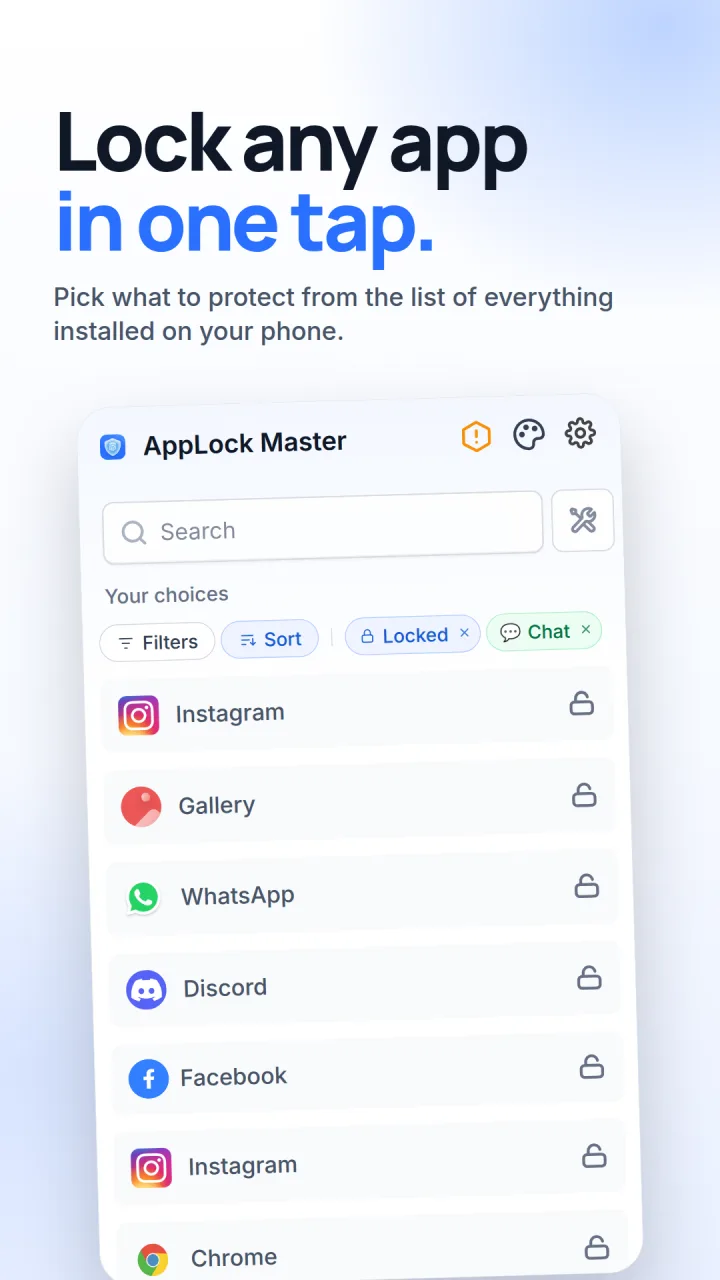
- Lock any app
WhatsApp, Instagram, your gallery, banking apps and Settings, behind a PIN, a pattern or your fingerprint. New apps can lock themselves the moment they install.
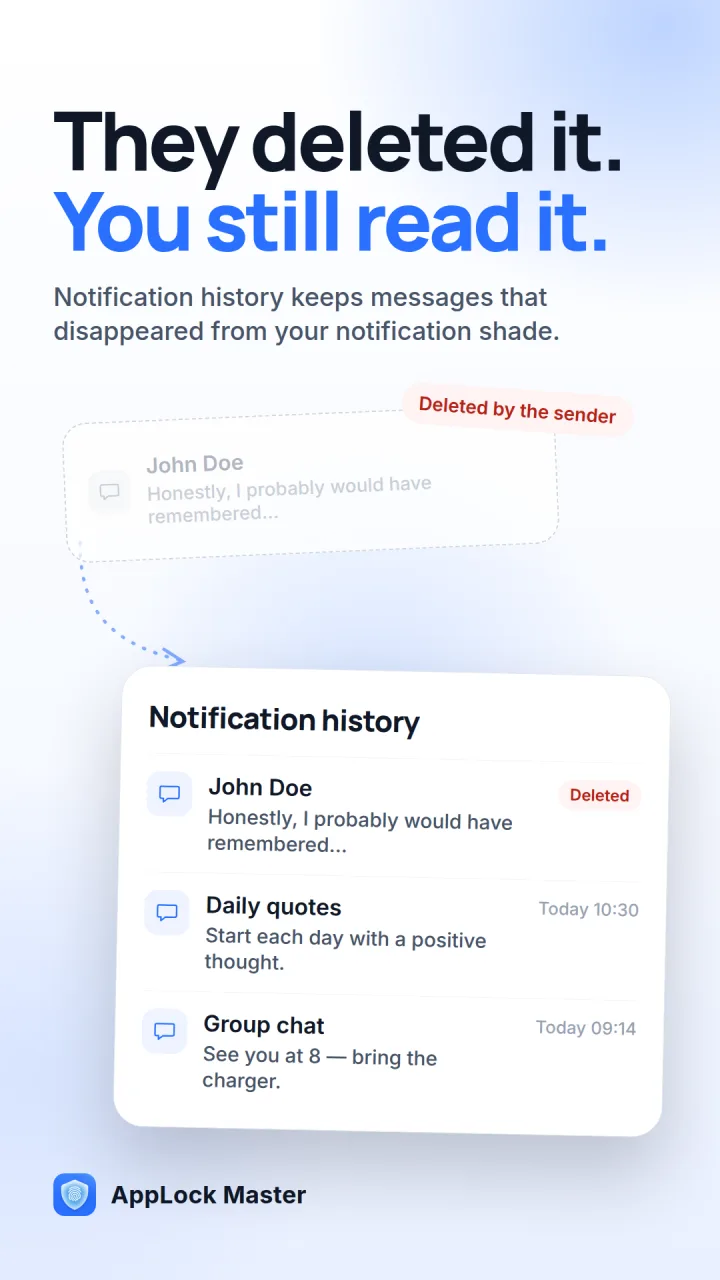
- Read deleted messages
Notification history keeps a copy of every message as it arrives, so one deleted by its sender is still there to read.
- Hide notifications
Chosen apps stop showing previews in the shade and on the lock screen. The messages wait inside AppLock Master instead.
- Private browser
Ads and trackers blocked, history off, and one tap to wipe tabs, cookies and cache.
- Intruder selfie
After repeated wrong attempts, the front camera takes a photo of whoever is trying.
- Icon camouflage
Swap the icon and name for a calculator, a clock or a weather app, so the lock stays out of sight.
- Uninstall protection
Your passcode is asked for before the uninstall screen and the permission settings open.
Setting it up
Three steps, about thirty seconds.
Allow two permissions
Usage access lets it see which app is opening. Display over other apps lets it put the lock screen on top.
Tick the apps to lock
Everything on your phone is in one list. Search it, or filter to what you’ve already locked.
Choose how to unlock
A PIN, a pattern or your fingerprint. Change it whenever you like — a security question gets you back in if you forget.
What it asks for
Every permission, and why.
An app lock needs more access than most apps, so here is each one, what it’s for, and when you’ll see it.
| Permission | What it’s for | When it’s asked |
|---|---|---|
| Usage access | Seeing which app is opening, so the lock appears before the app does. | At setup |
| Display over other apps | Drawing the lock screen on top of the app you opened. | At setup |
| Notification access | Keeping notification history, and hiding previews for the apps you choose. | Only if you turn those on |
| Camera | Taking the intruder photo after repeated wrong attempts. | Only if you turn intruder selfie on |
Your PIN, pattern, security question, locked-app list and intruder photos stay on your phone and aren’t uploaded; there’s no account to create. The app is free because it shows ads, and it uses analytics and crash reports — the privacy policy names each service and what it receives. Fingerprint unlock uses your phone’s own biometrics: the app is told only whether it matched.
Questions people ask
Does it work with WhatsApp and Instagram?
Yes. It locks any app installed on your phone: WhatsApp, Instagram, Facebook, Telegram, your gallery, messages, banking apps, even Settings and the Play Store.
Can someone just uninstall it?
Not if uninstall protection is on. Your passcode is asked for before the uninstall screen and the permission settings open, so it can’t be removed behind your back.
What if I forget my PIN?
Answer the security question you set up, then choose a new PIN or pattern.
Will it slow my phone down or drain the battery?
It waits in the background for a locked app to open and does very little otherwise, so in everyday use the difference in battery is hard to notice.
Does it keep working after I restart my phone?
Yes. It starts again on its own after a restart.
Is it free?
Yes, AppLock Master is free to download on Google Play. It shows ads to stay free.
Keep private things private.
Free on Google Play. Setting it up takes about thirty seconds.
Get it on Google PlayFreeAndroidNo account